
×

This field is for validation purposes and should be left unchanged.
Name(Required)

Welcome to Kestrel at The Colony

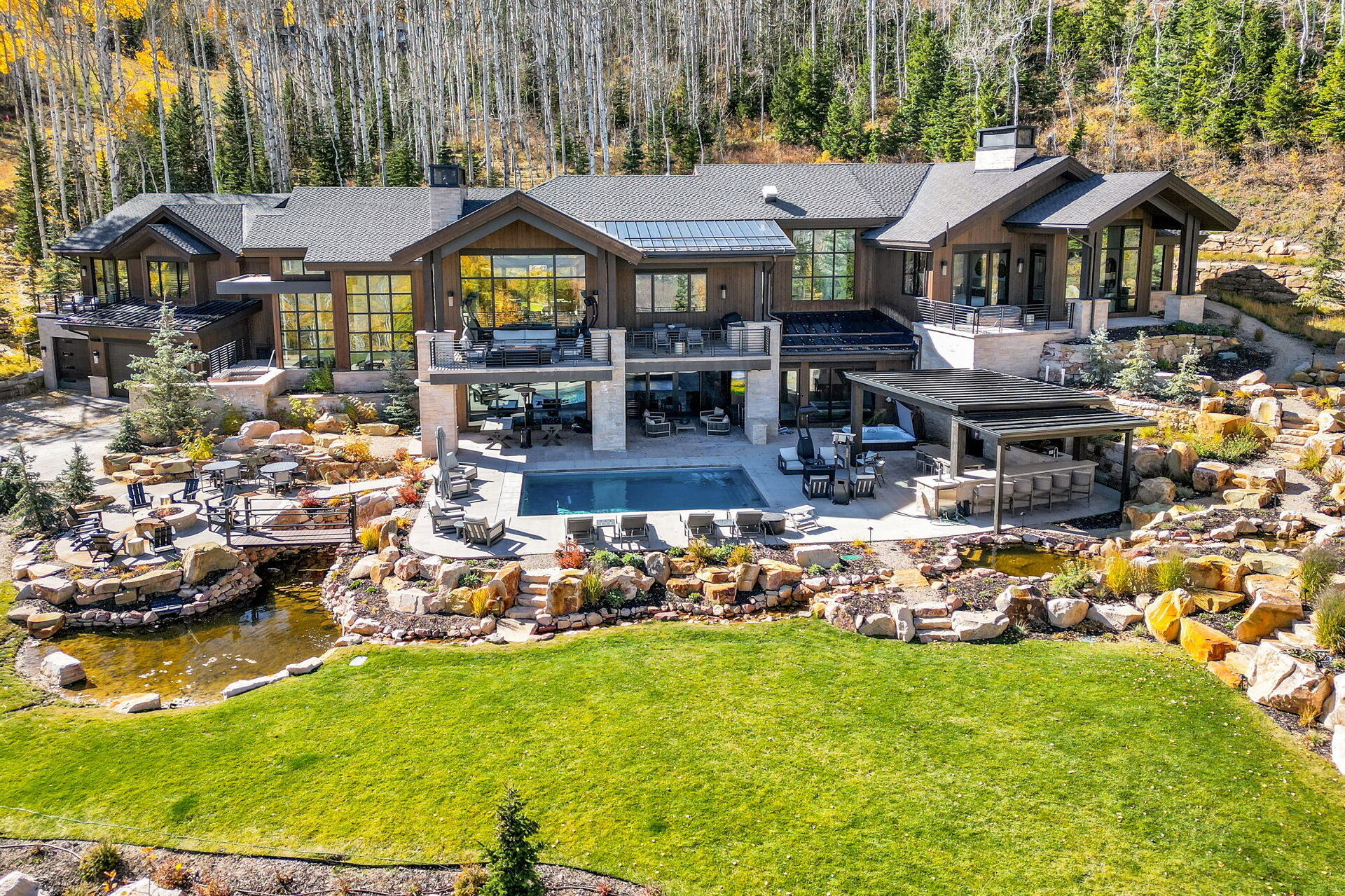
Welcome to Kestrel at The Colony by Luxe Haus! We’re thrilled to host you! Below, you’ll find everything you need for a seamless stay. (Click here to view the original listing)

Home Entry & Address Information

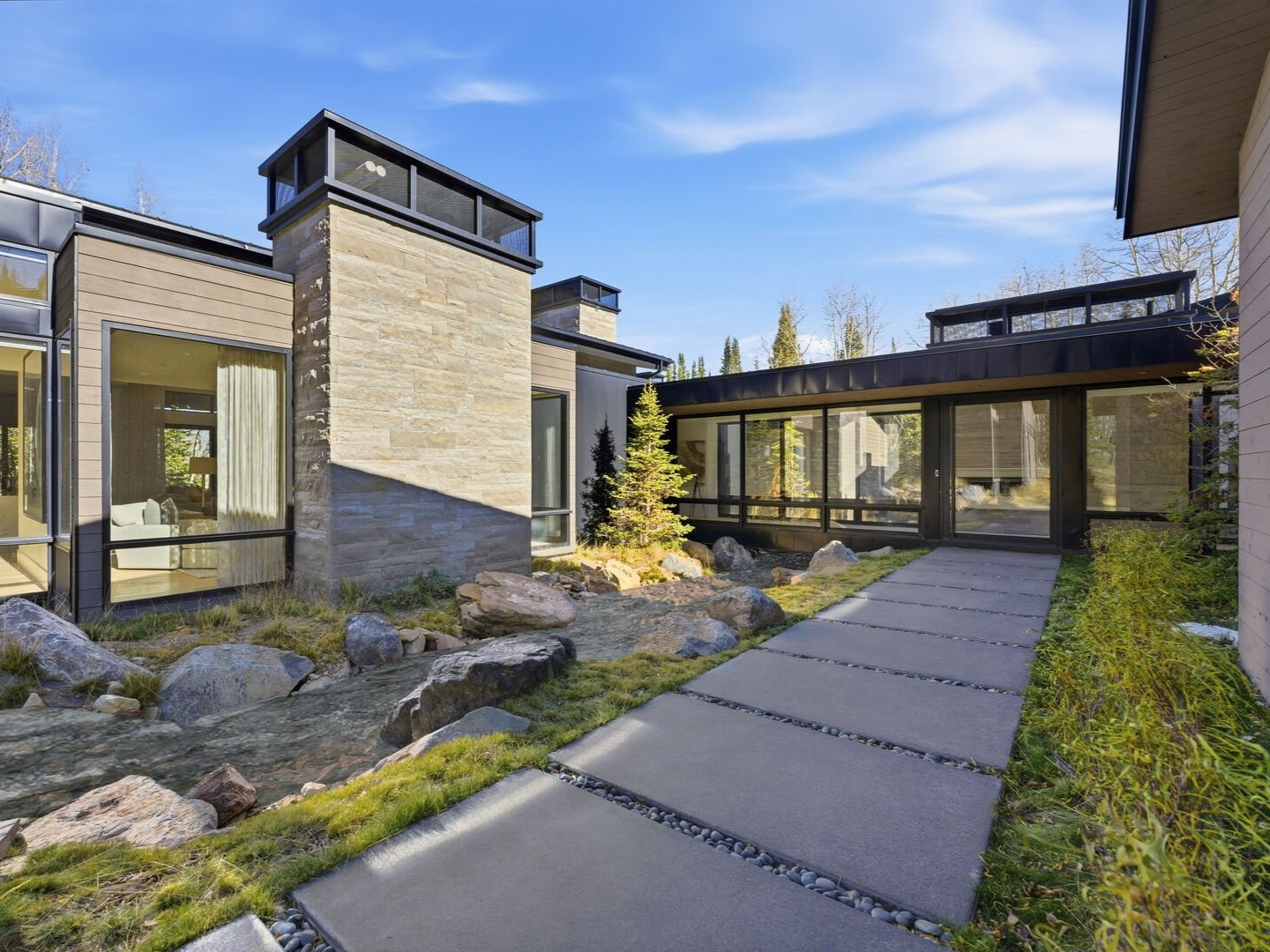
Kestrel is located in The Colony neighborhood of Park City. All access instructions, home address, and lock codes will be securely delivered via email 24 hours before your check-in.

Important – Gated Community Access

A gate pass QR code will be sent to you via email by a member of our team prior to check-in. Please be sure to screenshot, download, or print the QR code in advance, as it is required to access the neighborhood where your property is located. If you’re unable to locate your gate pass or experience any issues, please contact us, and we’ll assist right away.

Parking Details

Kestrel offers parking for up to 7 vehicles: 3 in the garage, 2 in the driveway, and 2 more in the designated side parking area. To access the garage, use the silver keypad (with a slide-up cover) and enter the code provided in your pre-arrival access details. Please note that roadside parking is not permitted in The Colony neighborhood.

Winter Driving Advisory

While neighborhood roads are regularly plowed during the winter season, snow and ice are common, and conditions can be slick. A 4×4 vehicle is required during snowy months, as standard or two-wheel-drive vehicles may not be able to access the property safely.

Need a winter-ready rental? Our concierge team is happy to assist — simply reach out to concierge@luxehausvacations.com and we’ll handle the rest.

Check-In & Check-Out

  • Check-in: 4:00 PM Mountain Time
  • Check-out: 10:00 AM Mountain Time

If you’d like to request an early check-in or late check-out, contact our Guest Services Team at concierge@luxehausvacations.com, and we’ll do our best to accommodate.

Wi-Fi Info

  • Network Name: 312WPC
  • Password: SkiRetreat$

Need Help During Your Stay?

For concierge requests and additional Luxe Haus services, please reach our team directly at: 435-291-1402.
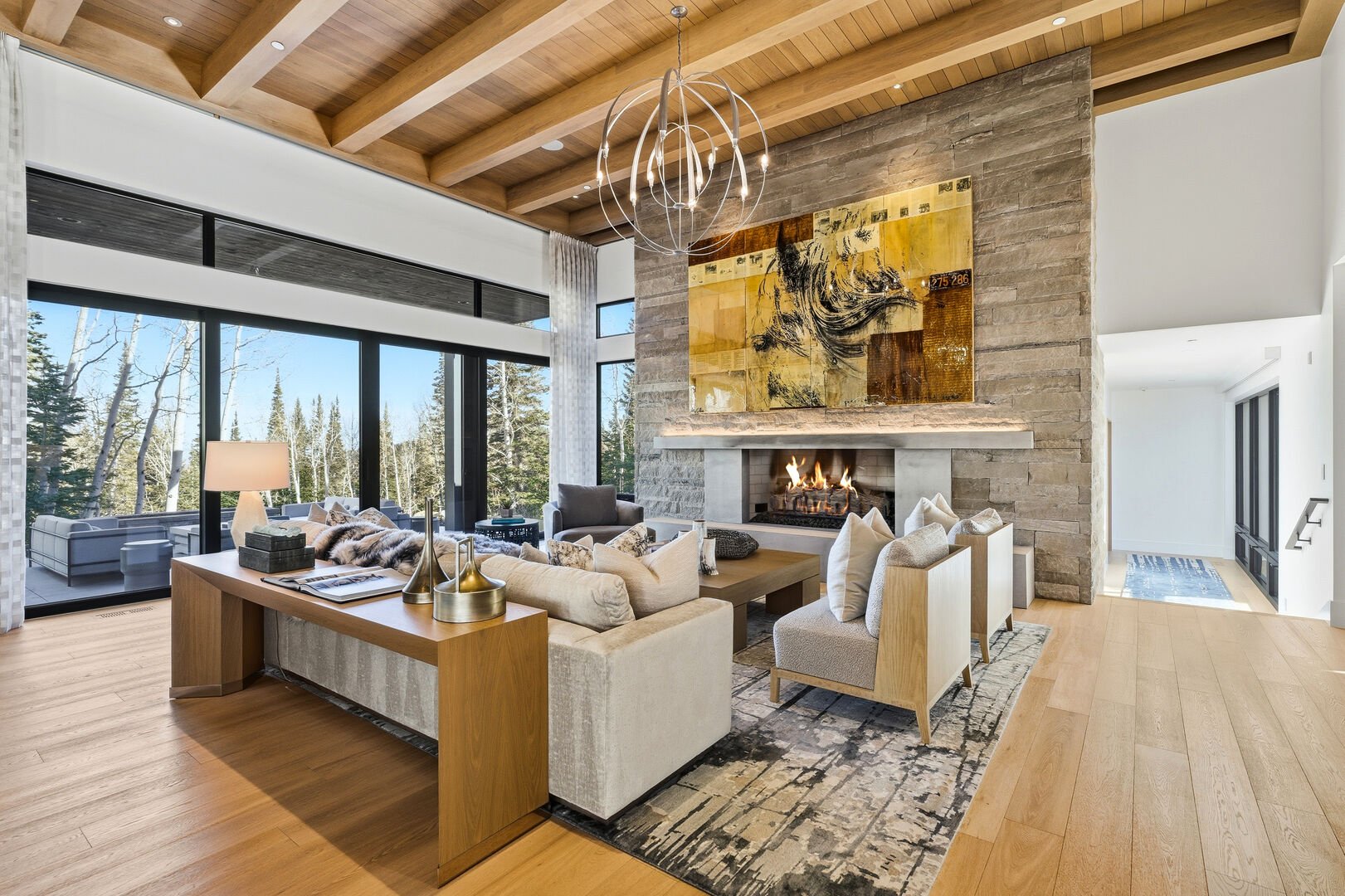
the modern and luxurious living room at Kestrel at The Colony with designer furniture, large fireplace and ski run views of Park City

Important Info During Your Stay

Guests & Gatherings
Parties are not permitted without Luxe Haus approval. Please contact us if you're planning to have additional guests.

Pet Policy
While this is a pet-friendly home, all pets must still be approved in advance by Luxe Haus. Guests staying here also have access to in-home veterinary care through our partnership with Mountain Town Veterinary Services.

Security Cameras
For your safety, exterior security cameras are present. These are never used intrusively. Reach out with any questions.

Shipments & Deliveries
Shipments and deliveries to the home are discouraged as delivery windows can be unreliable, especially in winter. Please contact our team in advance if you need to ship items so we can help coordinate.

No Smoking Indoors
Smoking is not permitted inside any Luxe Haus property.

Things To Know

  • Front Door Operation

    The front door is a single pane of glass that swings inward.
    - To unlock, press the single silver button on the right side of the door handle, then pull the door toward you.
    - The doorknob can also be used to unlock, but using the button is recommended, as the knob may misalign the mechanism.
    - The door can be slightly stiff, please operate with caution.

  • AC & Heating Information

    This home is equipped with both central heating and AC for year-round comfort.

    If you experience any issues, contact Guest Services at 435-291-1402.

  • Fireplace Use

    All fireplaces in this home operate using the SIT remote system, a gas fireplace control system that allows for wireless on/off functionality and temperature or timer settings via a handheld remote.

    Great Room Fireplace Instructions:
    - Activated using the Fireplace button on the lighting panel.
    - When the fireplace has not been used recently, ignition may take 1.5–2 minutes.
    - After activation, the gas will shut off automatically for 15–20 seconds before restarting the ignition cycle — this delay is normal.
    - Gas does not continuously flow during the delay period.

    Do not tamper with any gas lines. If the pilot light goes out or you experience any issues, please contact the Luxe Haus team at 435-291-1402.

  • Spa Instructions

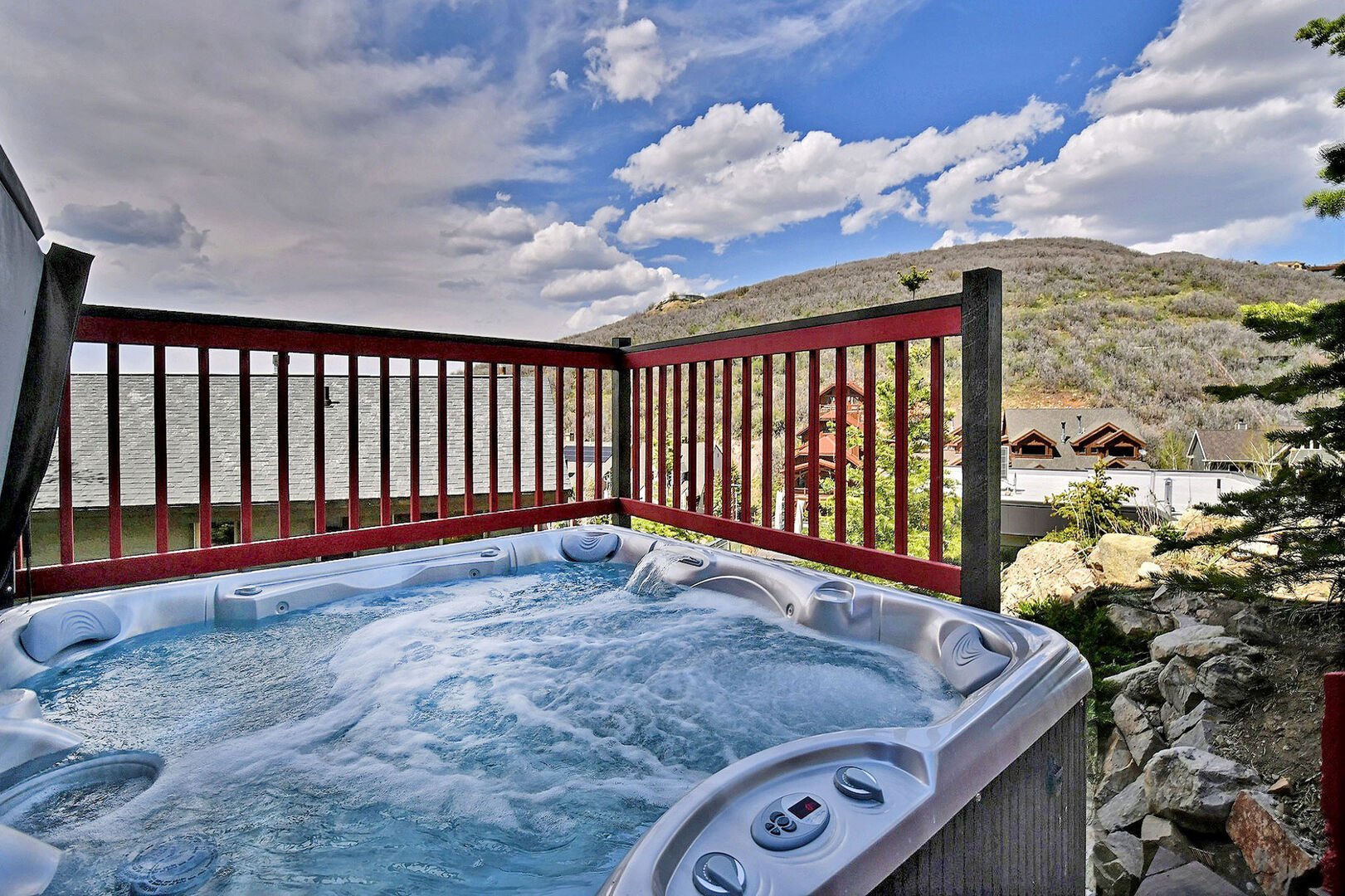
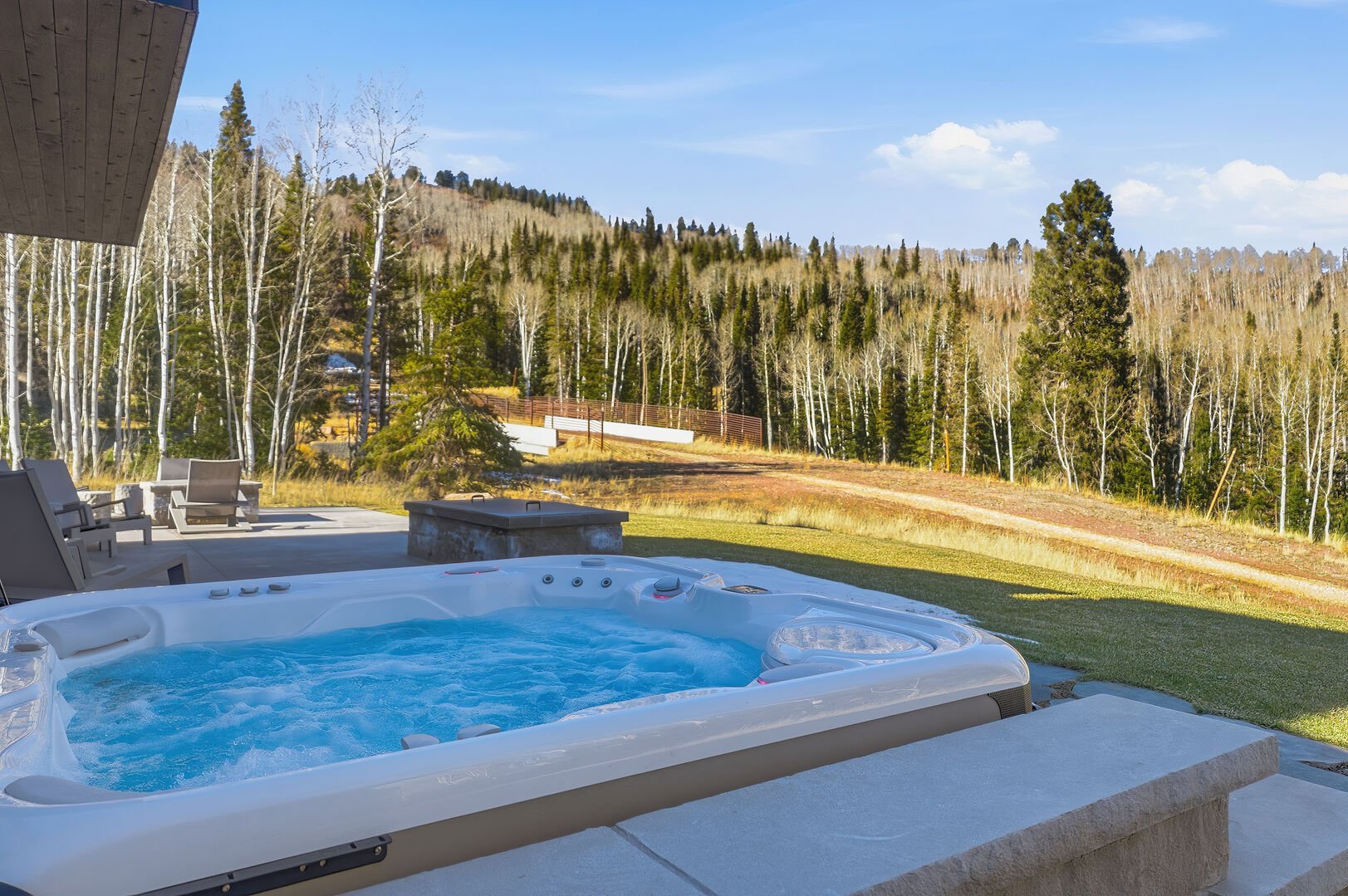
    The hot tub is located off the rear patio. The temperature and jets are controlled via the panel located on the side of the unit.

  • Sauna Instructions

    The home features a private sauna located near the third-floor ski room for post-ski relaxation.

    Please note: the sauna door uses a ball latch and requires a firm pull to open and firm push to close completely.

  • Lighting & Shade Operation

    - Large shade panels throughout the home can be opened by pressing the Blinds button on the labeled lighting keypads.
    - This functionality is consistent across the house.
    - All lighting keypads are labeled for ease of use.

  • House Guidelines & Quiet Hours

    Smoking: This property is strictly non-smoking — including all indoor areas, decks, and patios.

    The Colony observes quiet hours from 9:00 PM to 9:00 AM to ensure a peaceful environment for all guests and neighbors. During these hours, no outdoor music is permitted, and if using the hot tub, please keep voices low as sound carries easily.

  • Ski Access

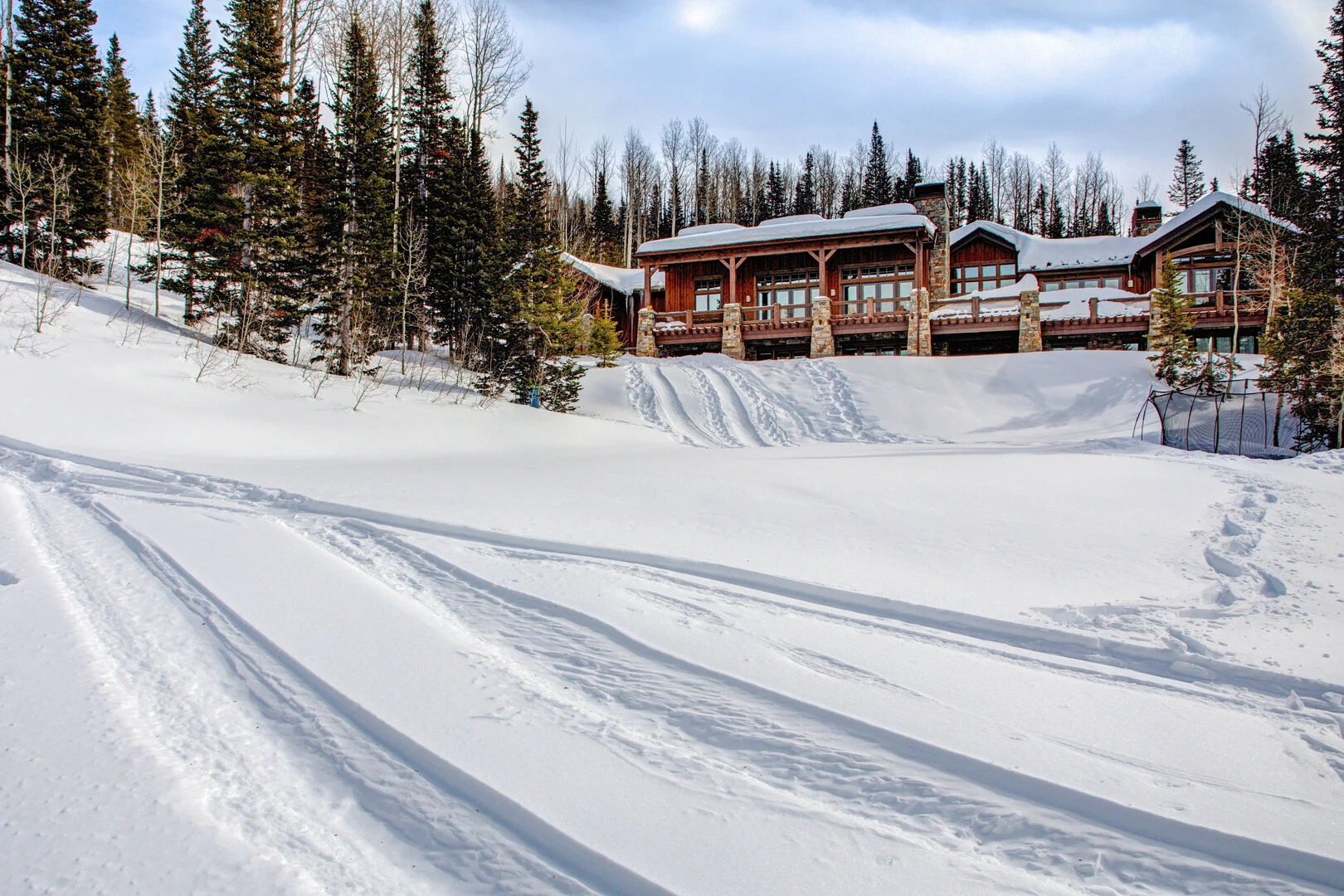
    Ski access is located directly outside the ski room.
    The private run is called No Name and is not shown on the Epic Mix app, as it lies outside official resort boundaries.
    Guests should not rely on Epic Mix for navigating back to the property.

  • Home Gym Info

    This dedicated fitness room comes equipped with:
    Peloton bike
    Peloton elliptical
    Treadmill
    Weight bench

  • Golf Simulator Instructions

    Golf Simulator Quick Start

    • Turn on the projector
    Use the white Panasonic remote and press the red power button.

    • Turn on the computer
    Open the cabinet below the monitor and press the Dell computer power button.
    Wait a few minutes while the system loads.

    • Clear the startup message
    If a warning message appears, press Enter on the keyboard to continue. This is normal.

    • Launch the simulator
    The Full Swing app should start automatically. If not, click the FS Launcher icon on the desktop.
    Select “Skip for now” to play without creating an account.

    • Start playing
    Choose Full Swing Golf or Showdown Golf. Simulator lights will turn on when active.

    Caution: Please do not use a driver for safety.

    To Shut Down
    Turn off the computer, then turn off the projector.

  • Theater Room Info

    The theater room features a Sony projector.
    The projector requires a moment to fully power on.
    Once active, it loads directly into the Apple TV input.

  • Trash & Recycling Details

    Trash and recycling bins are located in the garage. Luxe Haus handles bin service for you — no need to move them.

    Access Notice: Contractors will briefly access the garage on service days — please don’t be alarmed if you see them during these times.

  • Snow Removal

    Snow removal begins at 6:00 AM on snow days following 4 inches of accumulation.

  • Safety & Emergency Info

    Your safety is our top priority. In an emergency, please call 911 immediately. Once everyone is safe, notify the Luxe Haus team so we can further assist.

    A fire extinguisher and first aid kit is located under the kitchen sink for your convenience.

the view from the back hot tub of the mountains of Park City

PROPERTY MANAGEMENT

Give Us A Call At:

877-736-4250

Looking to enhance your stay?

Luxe Haus offers tailored concierge services—from mid-stay cleanings and grocery delivery to personal ski guides, private chef experiences and so much more! Click below or call or text our team at 435-291-1402 to make a request.

Curated Guides for Your Getaway